Small-business account safety
Secure the accounts a customer relies on before they become an emergency
A local business account can control messages, hours, profile details and customer contact. Begin with the accounts that would cause the most disruption if someone else accessed them, then make the protection routine repeatable.
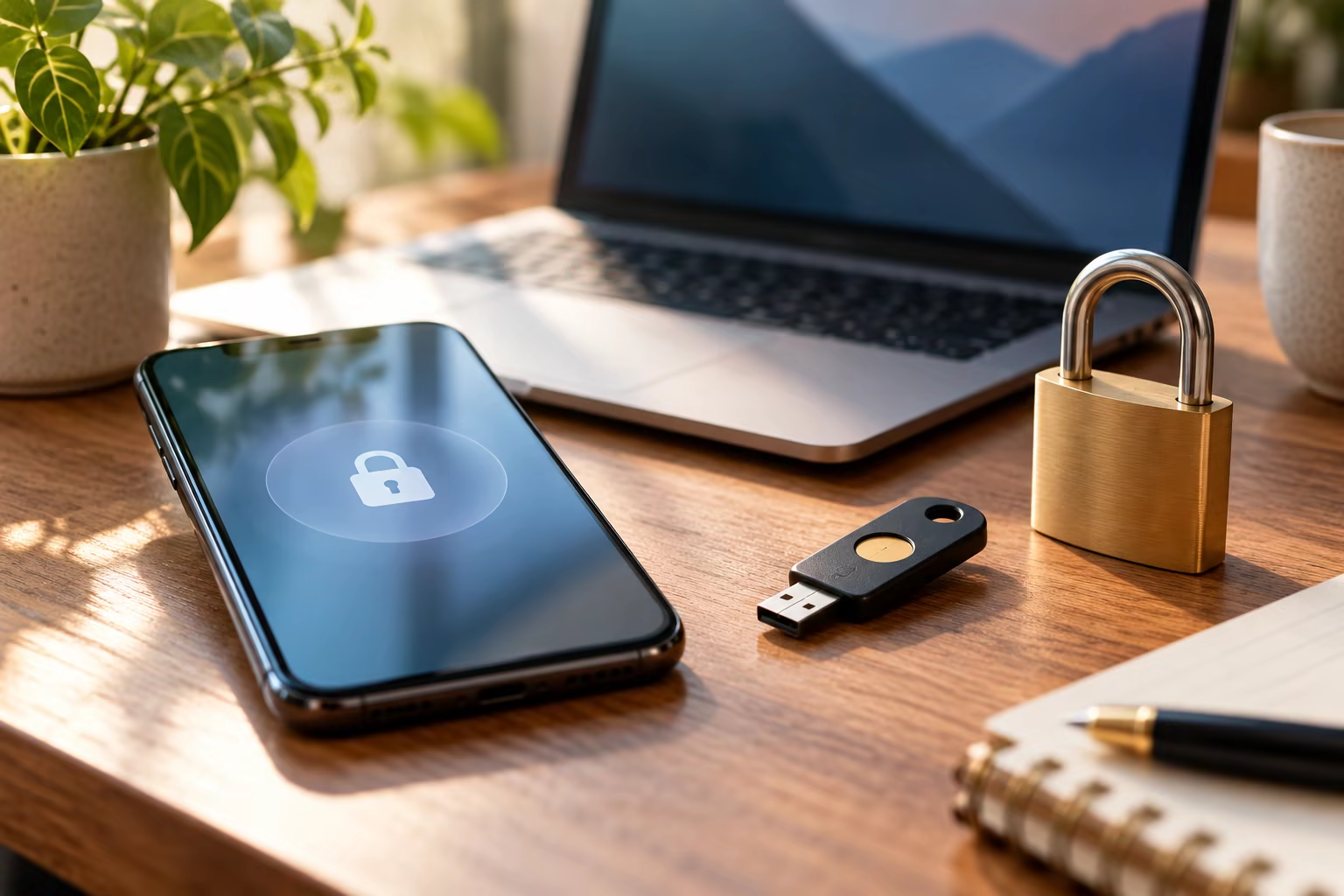
List the important accounts
Start with business email, banking and payment access, domain or website access, business profiles, social media, document storage and any customer-message tool. Note the owner, recovery contact and whether a former staff member still has access.
Do not put passwords or recovery codes in a shared document. Use an approved secure process and remove access when a role changes.
Use basic protective controls
Turn on multi-factor authentication where available, use unique strong passwords or passphrases, update software and back up important information. Start with email because it can often reset other accounts.
A password manager can help the team avoid reusing passwords, but it needs a strong protected master account and a clear ownership plan.
Practice a calm recovery
Write down who contacts the provider, who can pause public updates and how customers will receive a trusted notice if an account is compromised. Do not post private incident details while the facts are unclear.
Cyber.gov.au’s small-business guidance is a starting point, not a substitute for incident-specific or professional advice.